
Whatnot seller fees and commissions: understand the net
Written guide to Whatnot commission (not the calculator): processing, seller shipping, and CSV net. Set a floor, then estimate live with the free tool.
Key takeaways
- Whatnot fees (commission + processing) and shipping heavily hit real margin.
- CSV transaction_amount is typically already net of commission, processing, and seller shipping in the ledger.
- Without COGS you see net revenue but not estimated margin.
- Set a price floor before going live: COGS + approximate fees + minimum margin.
- Official fee schedules change, always verify the Whatnot Help Center.
- buyer_paid fuels the show; net decides whether the lot was profitable.
Direct answer: buyer-facing sales are not what hits your bank. Whatnot commission, payment processing, and seller shipping reduce the net, and without purchase cost (COGS), you still do not know margin.
We map fee layers, show how the CSV already reflects them, and give a price-floor method you can use before every live. Try the fee calculator, the profit calculator, and the price floor. WhatCopilot is not affiliated with Whatnot: for exact rates, the official Help Center always wins.
Fee layers to know
Think in layers, not one magic percentage. Each layer reduces what remains after a winning bid.
- Whatnot marketplace commission (varies by category / program, see Help Center).
- Payment processing fees.
- Shipping / labels when you sell with seller shipping.
- Refunds (negative amounts in the ledger).
- Purchase / prep cost (COGS), outside Whatnot fees, but critical for margin.
buyer_paid vs transaction_amount: the fee gap
buyer_paid is what the buyer pays. transaction_amount is what typically remains after commission, processing, and seller shipping in the ledger. The gap is not a bug, it is the cost of the marketplace.
- buyer_paid = $100
- Commission + processing + shipping ≈ $18 (illustrative)
- transaction_amount ≈ $82 (ledger net)
- If COGS = $50 → estimated margin ≈ $32
- If you “budgeted” $100 of sales, you were off-base
$100
Buyer view
buyer_paid
~$82
Ledger net
transaction_amount
~18%
Marketplace take
Before COGS
~$32
Margin if COGS $50
Actionable signal
Reading the net in the Seller Weekly Orders Report
Each CSV row is a ledger transaction. In practice, transaction_amount is already a net figure (commission, processing, and seller shipping typically deducted). Refunds carry negative amounts. Column detail: How to read your Seller Weekly Orders Report.
| Signal | Where to read it | Use it for |
|---|---|---|
| Buyer-facing sales | buyer_paid | AOV, marketing, show feel |
| Net revenue | transaction_amount | Real cash, post-fee totals |
| Estimated margin | net − COGS | Lot / live profitability |
| Refunds | order_refund | Offer & shipping quality |
After fees: compute margin
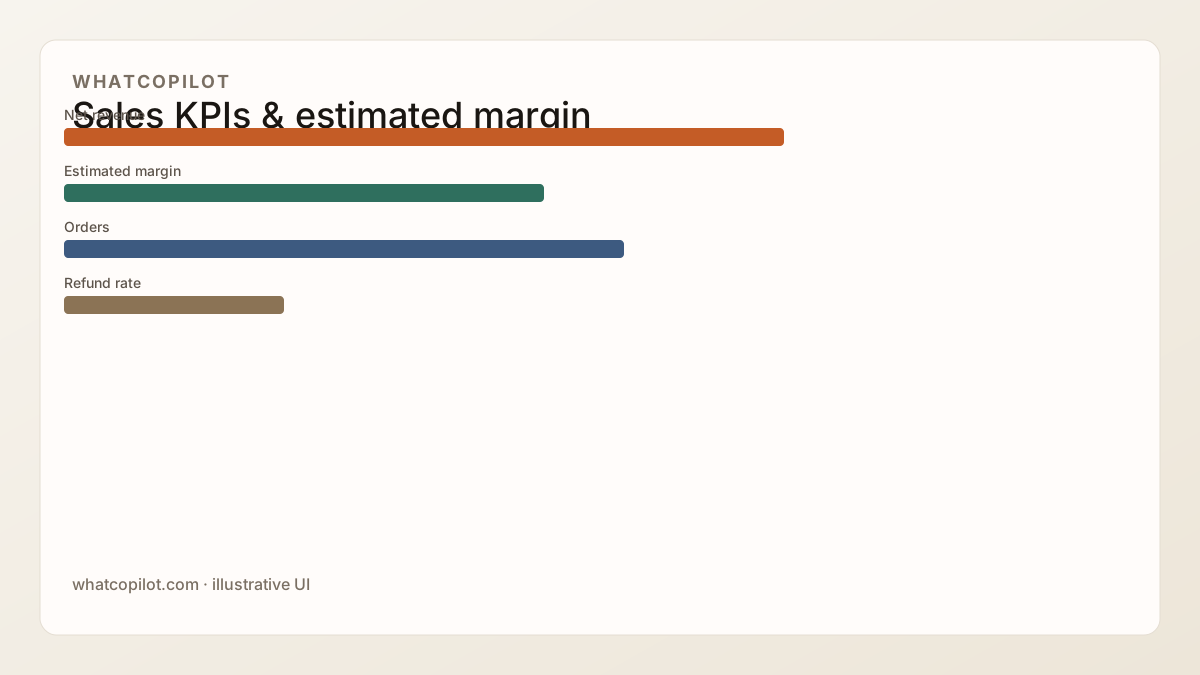
Net revenue ≠ margin. WhatCopilot estimated margin subtracts COGS (cost_of_goods) entered in Whatnot. Method and limits: Calculate your real Whatnot seller margin.
Set a price floor before going live
Fees are managed before you open the lot. Starting too low “for energy” turns a lively show into an unprofitable one.
Estimate the full lot cost
COGS + approximate fees + shipping. Use ranges if exact rates vary.
Add your minimum acceptable margin
That is your economic floor. Without it, you sell volume at a loss.
Open the auction above the floor
Or consciously go under (clearance, acquisition). Never by accident.
Verify CSV net after the show
Not only total buyer_paid. Adjust floors for the next live.
- COGS = $40
- Approx fees + shipping = $12
- Minimum margin = $18
- Floor ≈ $70, do not open at $25 “to warm the chat”
Classic fee pitfalls
- Budgeting on buyer_paid as if it were cash.
- Forgetting refunds also wipe the “won” commission feeling.
- Copying another seller’s pricing without knowing their COGS.
- Never revising floors after a CSV import.
Go deeper
Full path: complete Whatnot seller guide. Native vs third-party: Seller Analytics vs WhatCopilot. Live floors: increase sales. Early cash: launch bonus. Product: pricing.
FAQ
- Where are official Whatnot fees listed?
- On the Whatnot Help Center (seller fees articles). Rates and exceptions change, do not rely only on third-party write-ups.
- Which CSV column is net revenue?
- transaction_amount on order_earnings / order_refund rows in the Seller Weekly Orders Report. buyer_paid reflects what the buyer paid.
- How does WhatCopilot handle fees?
- WhatCopilot starts from the CSV ledger: net revenue aggregates transaction_amount. Estimated margin = net revenue − COGS when cost_of_goods is filled.
- Are fees the same across every category?
- No. Commission and terms can vary by category, program, or region. Always cross-check official Whatnot docs before locking prices.
- How should refunds enter the math?
- order_refund rows carry negative amounts in the ledger. They reduce aggregated net, do not ignore them when reading a “record” show.
- Should I raise starting prices to cover fees?
- Often yes, with method: compute a floor (COGS + fees + margin), then test auction pace. A start that is too high can freeze the chat.