
Inventory
Stock under control before the next live
A stock and COGS layer separate from sales history — so you catch shortages, estimate margin, and keep SKUs aligned when Delivery ships.
Low & out alerts
KPI cards and status filters before a themed show.
COGS for margin
Unit cost feeds estimated margin elsewhere in the app.
Ship sync
Matching SKUs decrement when a Delivery shipment ships.
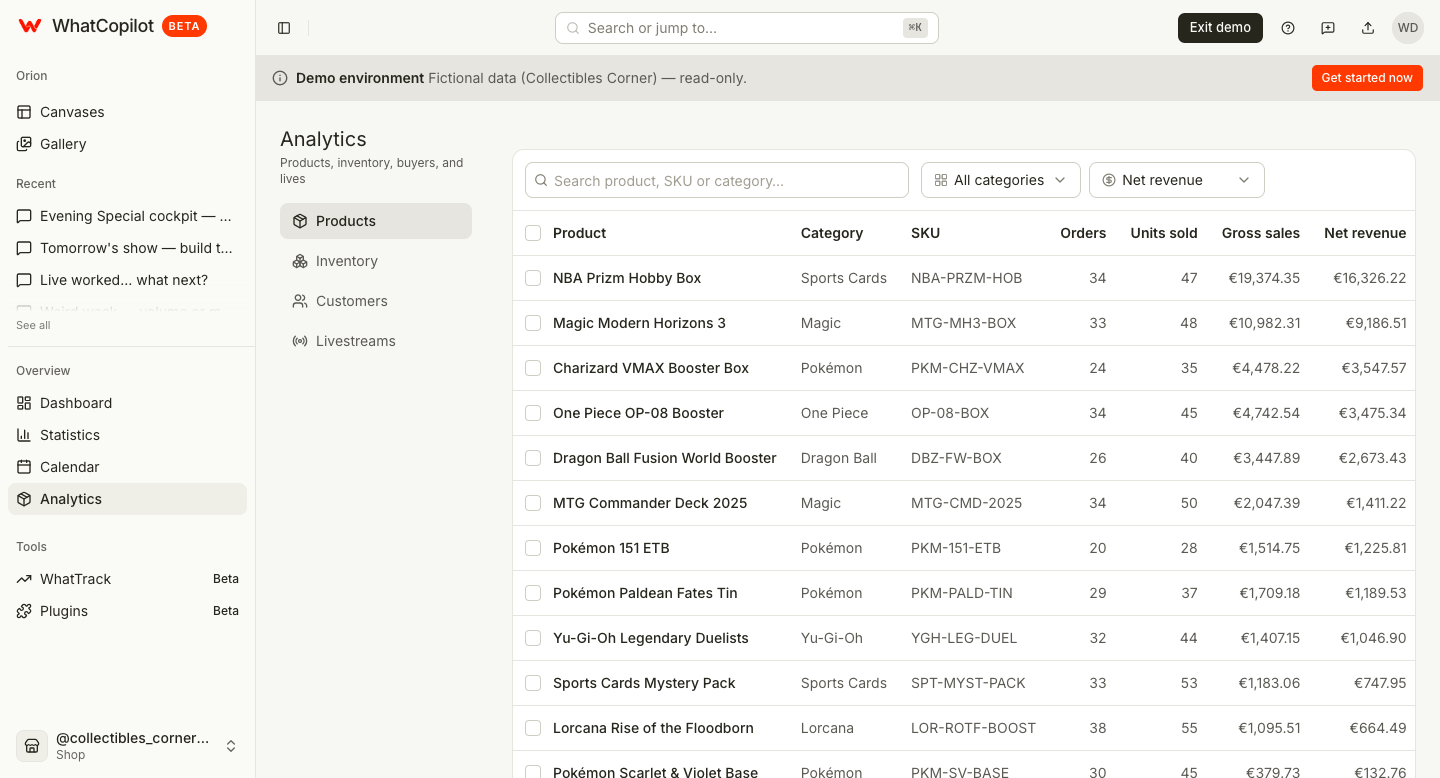
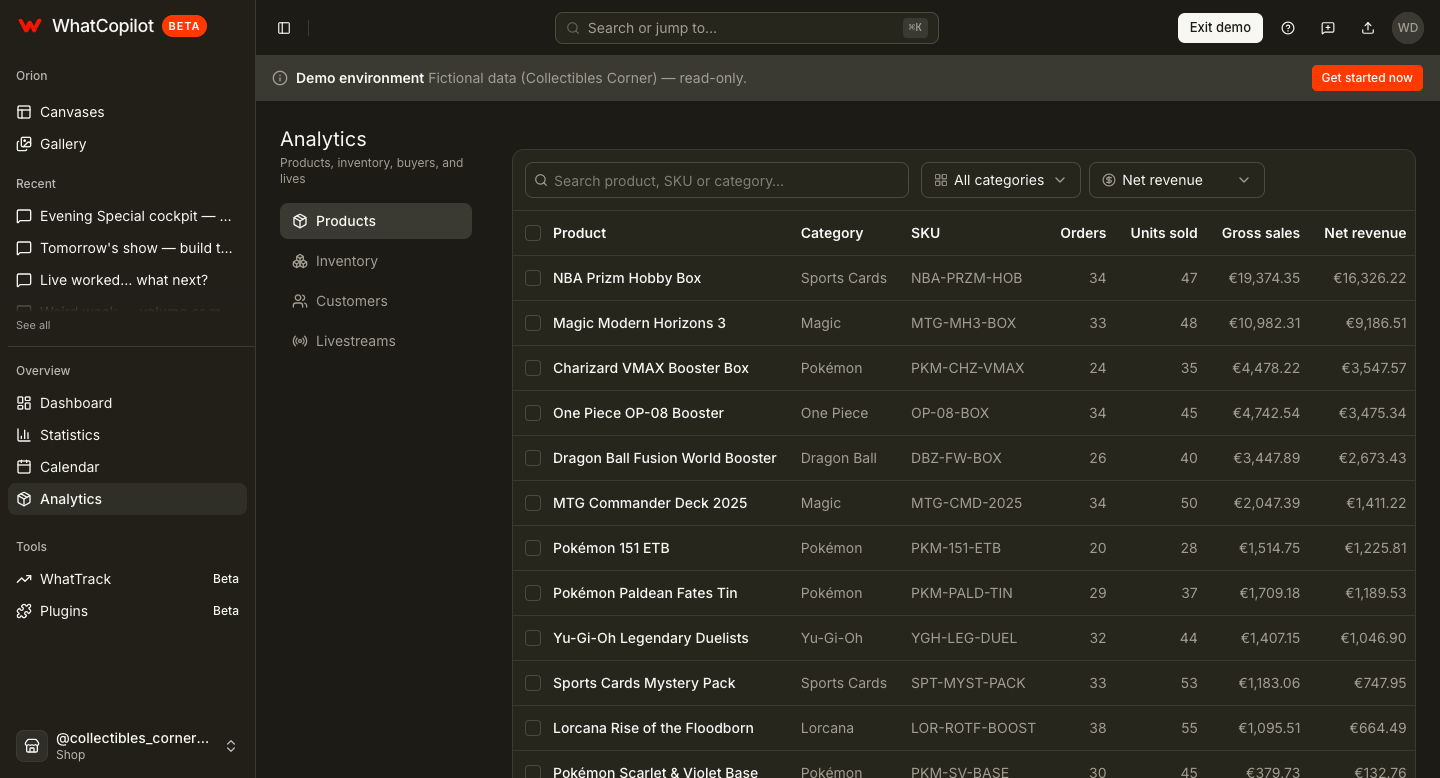
The stock desk sellers check before going live
Inventory
Before liveOut of stock
3
Low stock
8
Stock value
€12.4k
| Product | SKU | Status | Qty | COGS | Stock value |
|---|---|---|---|---|---|
| Charizard EX PSA 9 | PKM-CHAR-9 | Low | 2 | €85 | €170 |
| Nike Dunk Low Panda | NK-DUNK-PND | OK | 14 | €72 | €1,008 |
| Labubu Series 3 | LBB-S3 | Out | 0 | €18 | €0 |
| Vintage jersey lot | JRS-LOT-12 | OK | 6 | €40 | €240 |
| Mystery break slot | BRK-SLOT | Low | 4 | €12 | €48 |
How Inventory fits the loop
Sales CSV powers analytics. Inventory is the operational layer you create or import so shows and shipments stay honest.
- 1
Bootstrap SKUs
Create from sold SKUs, import an inventory CSV, or add rows manually.
- 2
Set thresholds
Flag low stock, fill unit COGS, attach notes for the next live.
- 3
Connect the show
Link inventory into the livestream cockpit; Delivery decrements on ship.
Why sellers keep Inventory filled
No mid-live stockouts
See what is already thin before you open a themed show.
Margin that means something
Without COGS you only have net — Inventory closes that gap.
Hot niches, real stock
With WhatTrack, Opportunities matches low stock to active categories.
Inventory FAQ
Demo mode is read-only for create, adjust, and CSV import.
Protect the next live night
Import stock, fill COGS, and stop guessing whether the lot is still on the shelf.
WhatCopilot is an independent third-party tool, not affiliated with Whatnot.